
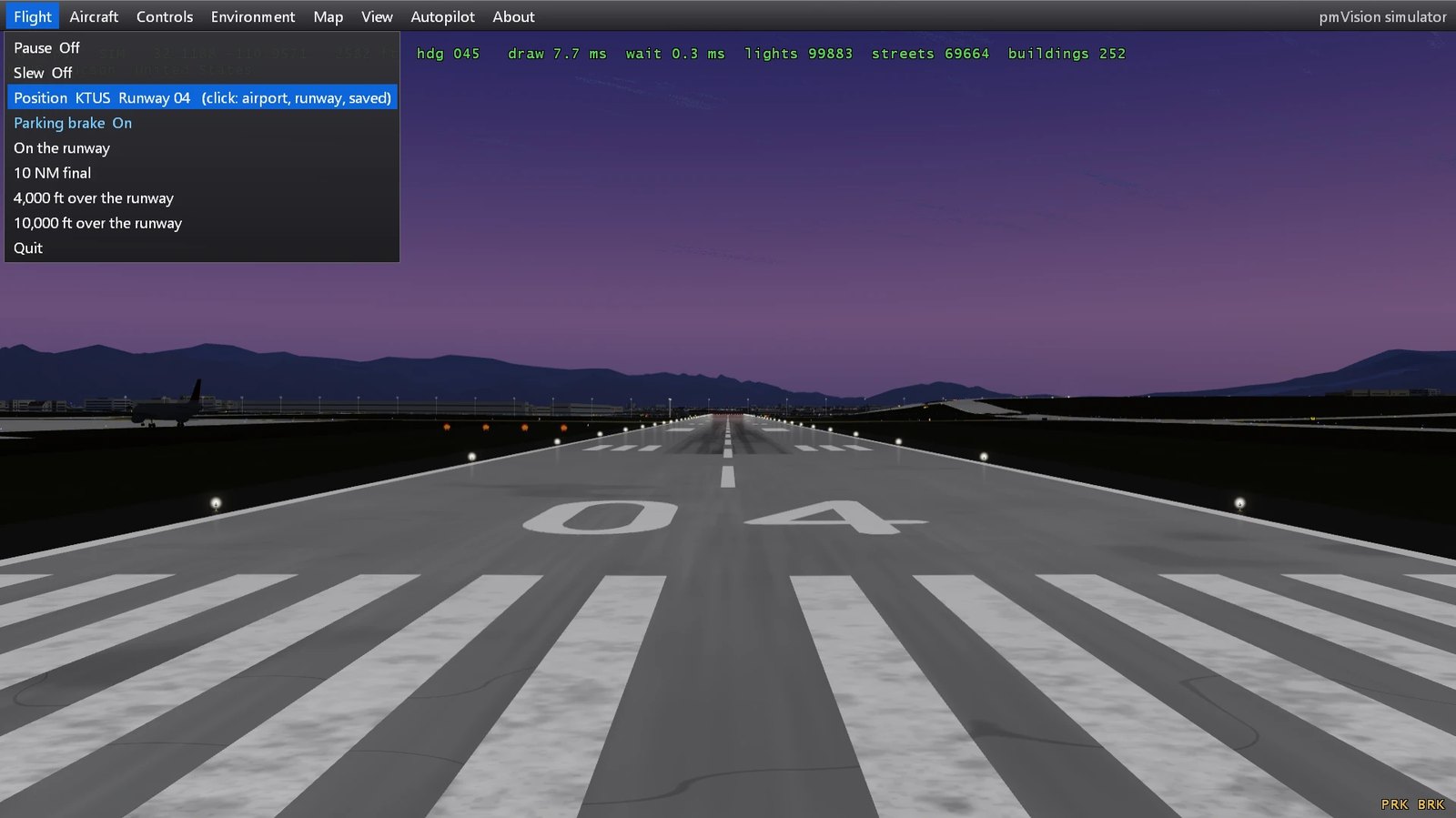
pmVision is Project Magenta’s own outside view.
With pmModel2026, our own flight model, it is a simulator of its own. No other simulator needed.
No high-end PC needed
pmVision runs on an ordinary PC. One monitor or several.
Your Project Magenta programs run on the same PC, or on the other PCs of your cockpit.
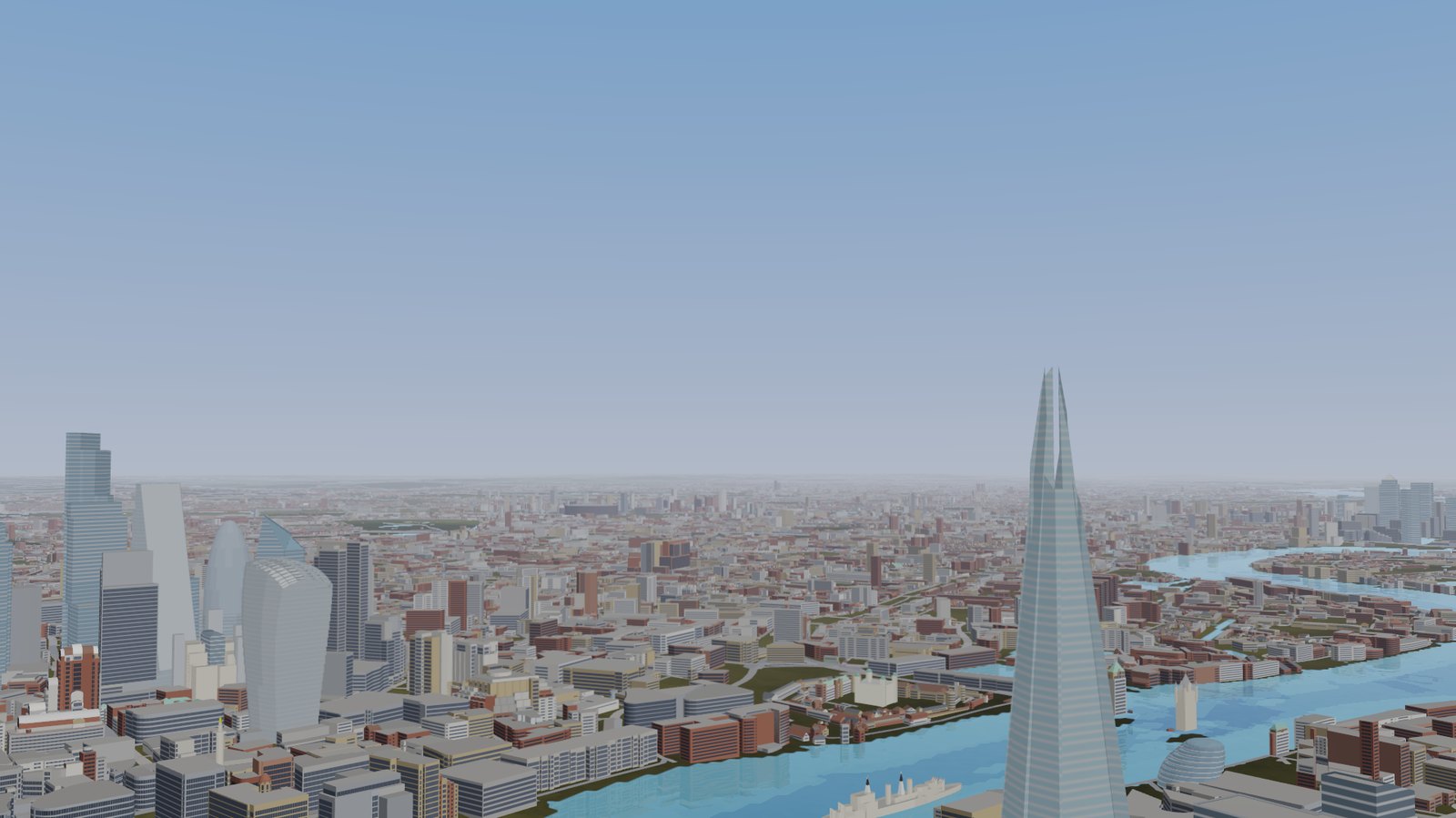
What you see
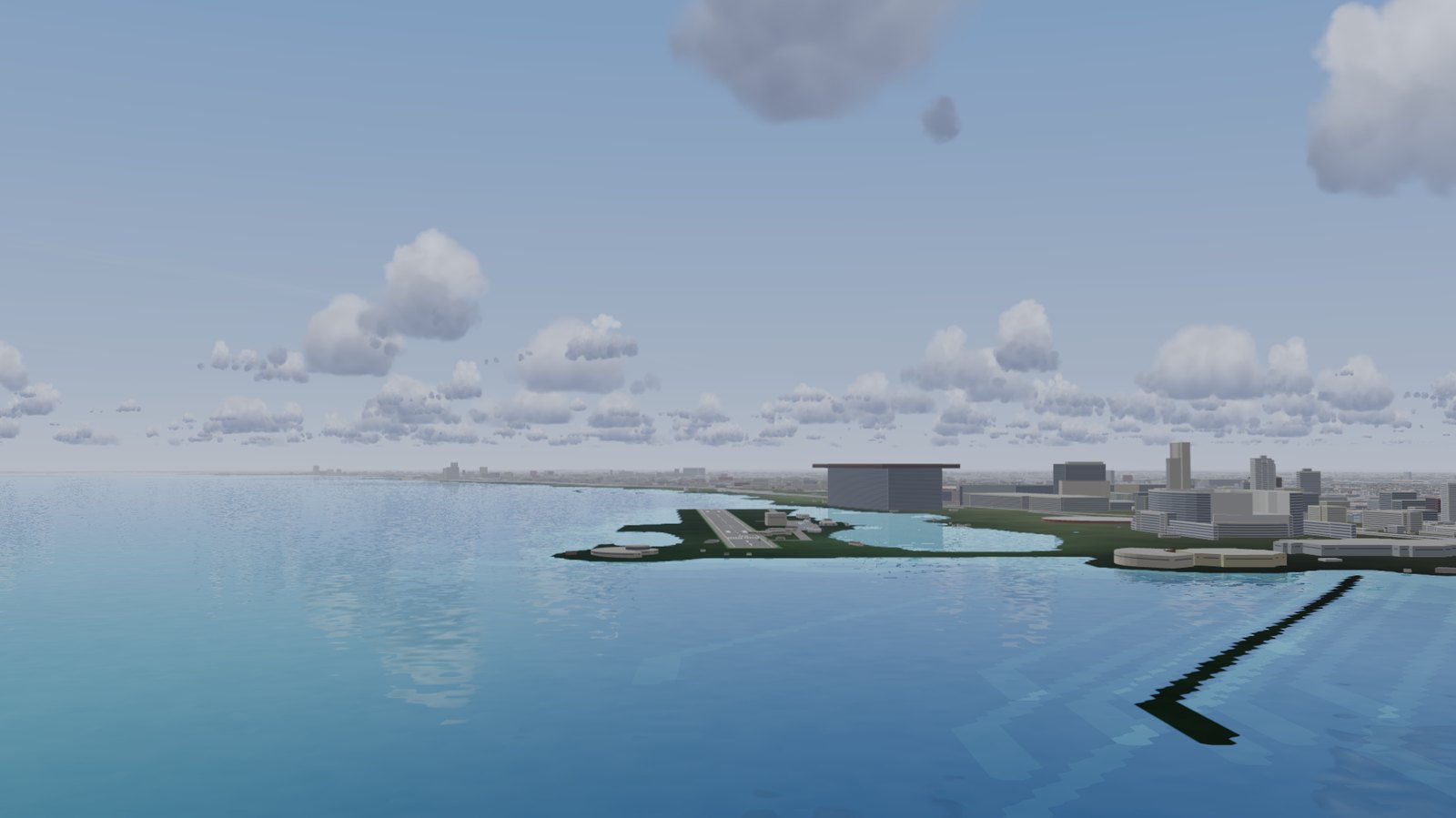
- The whole world: terrain, water, roads and buildings.
- Airports with runways, taxiways, signs and lights.
- Runway numbers as painted, worn paint, tyre marks.
- Landmarks. Traffic.
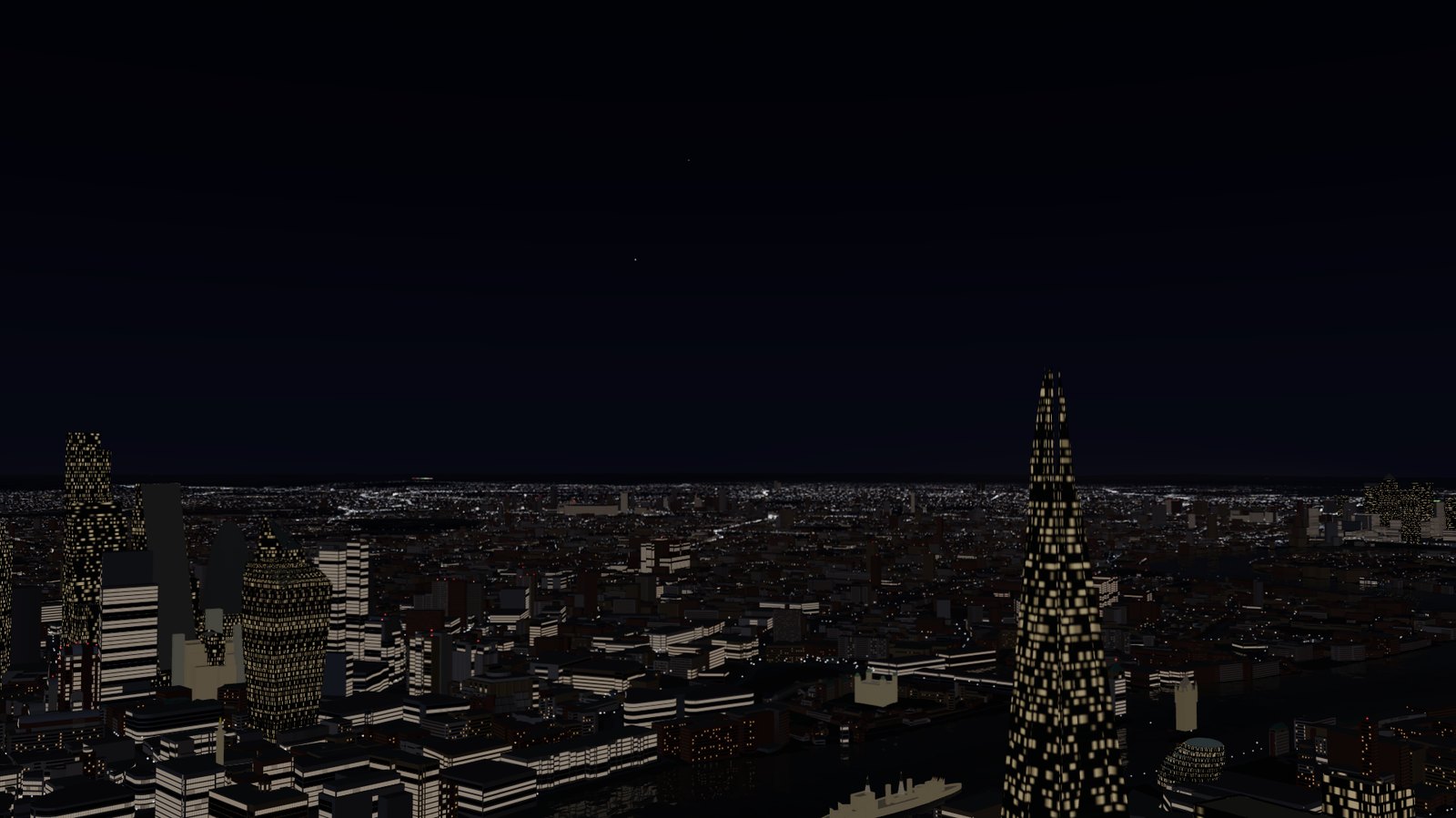
- Day, dusk and night. Clouds and weather.
What you fly
- 737-800, A320neo, 747-400, Falcon 6X, Cessna 182.
- Start one program. pmVision starts the flight model.
- Plug in a joystick. Set it up in the menu. Fly.
Your cockpit
Every Project Magenta program you own connects to it: glass cockpits, CDU, MCP, systems, the Instructor Station.
Customer beta
Customers fly it first. Log in on the pmVision page. The download and our Discord are there.
Not a customer yet? Write to sales@projectmagenta.com.
Tell us what works and what does not.