
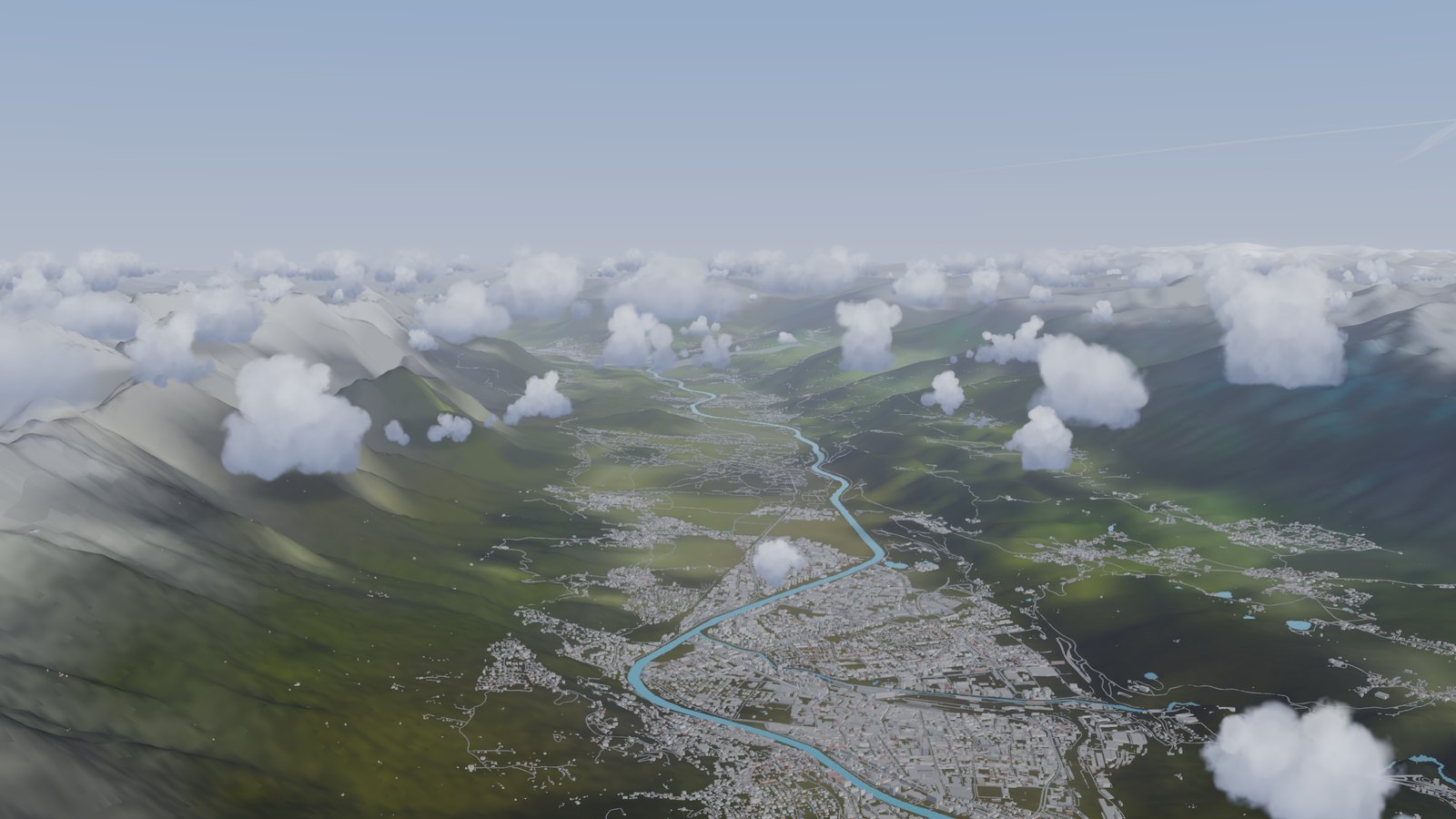
The pmVision customer beta. Project Magenta customers fly it first and tell us what they find.
What pmVision is
pmVision is Project Magenta’s own outside view. With pmModel2026, our own flight model, it is a simulator of its own. No other simulator needed.
- The whole world: terrain, land, water, roads and buildings.
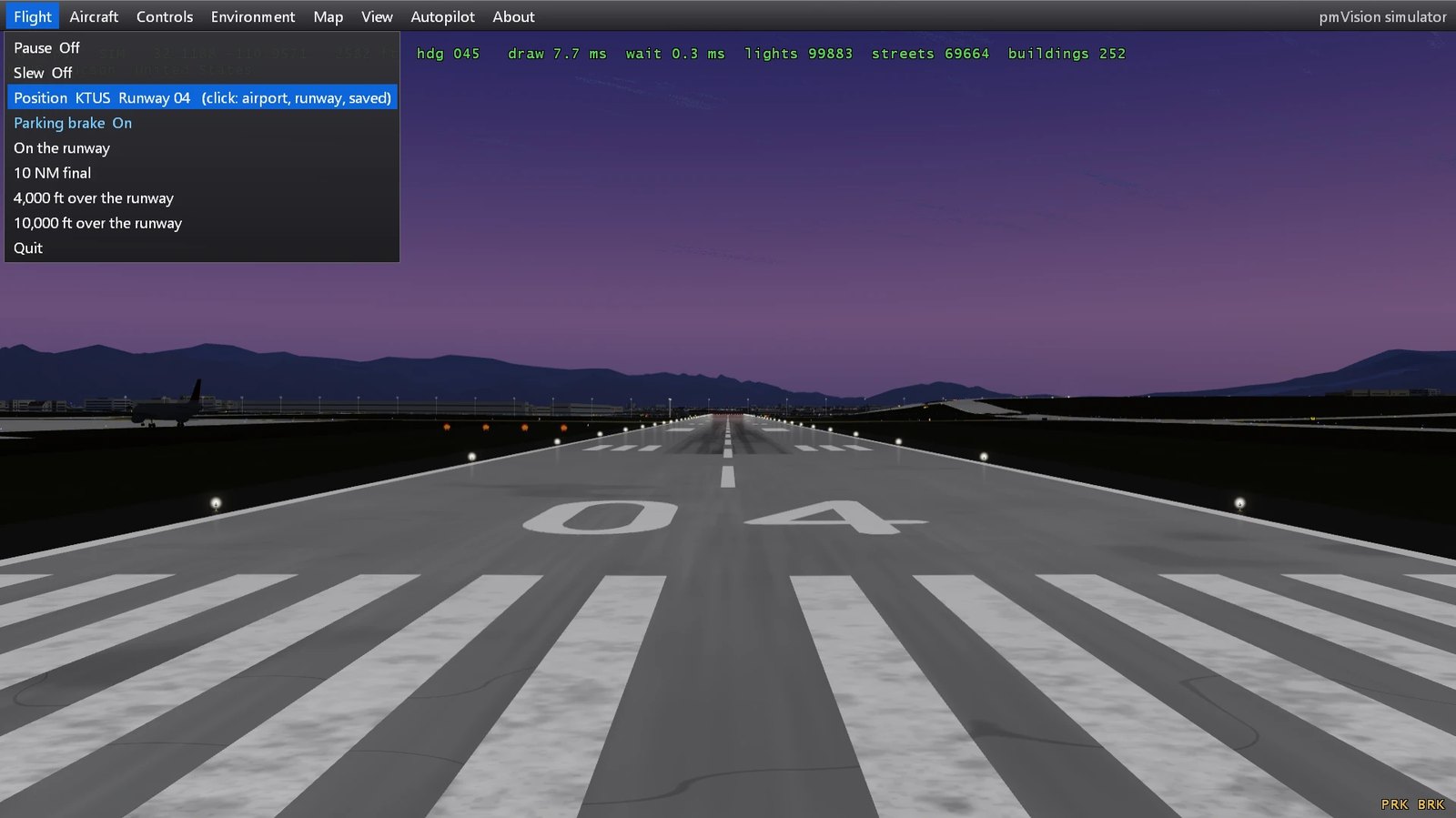
- Airports with runways, taxiways and lights. Day, dusk and night.
- Clouds and weather.
- Every Project Magenta program you own connects to it.
Simulator mode
One program to start. pmVision starts the flight model itself. Plug in a joystick, set it up in the menu, fly.
Aircraft: 737-800, A320neo, 747-400, Falcon 6X, Cessna 182.
Download
For Project Magenta customers. Log in for the download and our Discord.
How to start
- Unzip. Run the setup. It installs into C:\Magenta.
- Start pmVision.
- Move the mouse to the top edge: the menu.
- Set up the joystick there. It measures each control.
Your key
pmConfigure comes with it. Paste your key there.
Without a key: the Chicago area, free until 15 January 2027.
A key: sales@projectmagenta.com.
Tell us
We want to hear what works and what does not. In pmConfigure: Ask Project Magenta. Or on our Discord, the link is above for customers.