
pmSounds
Sound and Alert Generation in a Cockpit Environment
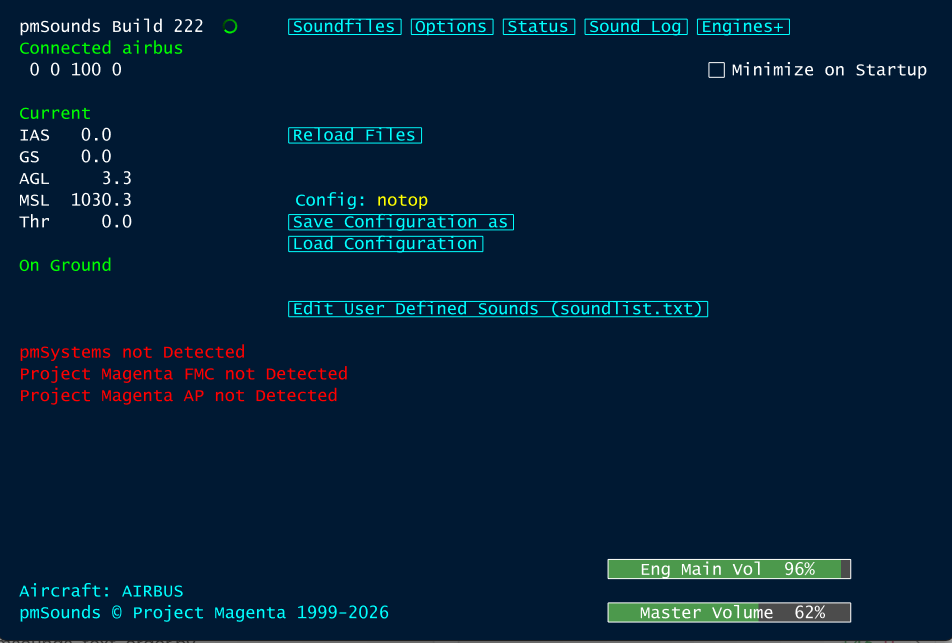
This software generates sounds and callouts depending on various flight situations, it was made to run with our other flight management software, but it can also be used without other Project Magenta components. It is not an add-on inside the simulator: it runs beside it, on the same PC or on a networked one. You can switch certain sounds on and off at any time. More Project Magenta products can be found on our products page. You are also able to run it on more than one computer and re-direct sounds to various speakers.
This software was written for Microsoft Flight Simulator 2020 and 2024, Prepar3D V5 and V6, X-Plane 11 and 12, and FlightGear 2024.
It connects to the simulator through FSUIPC and WideFS (http://www.schiratti.com/dowson.html) or through Project Magenta’s own pmWideClient for MSFS, X-Plane and FlightGear.
General Features
- Co-Pilot callouts: 80 knots, Vr, Transition Altitude (from PM Software), flap and gear position, 10000 ft
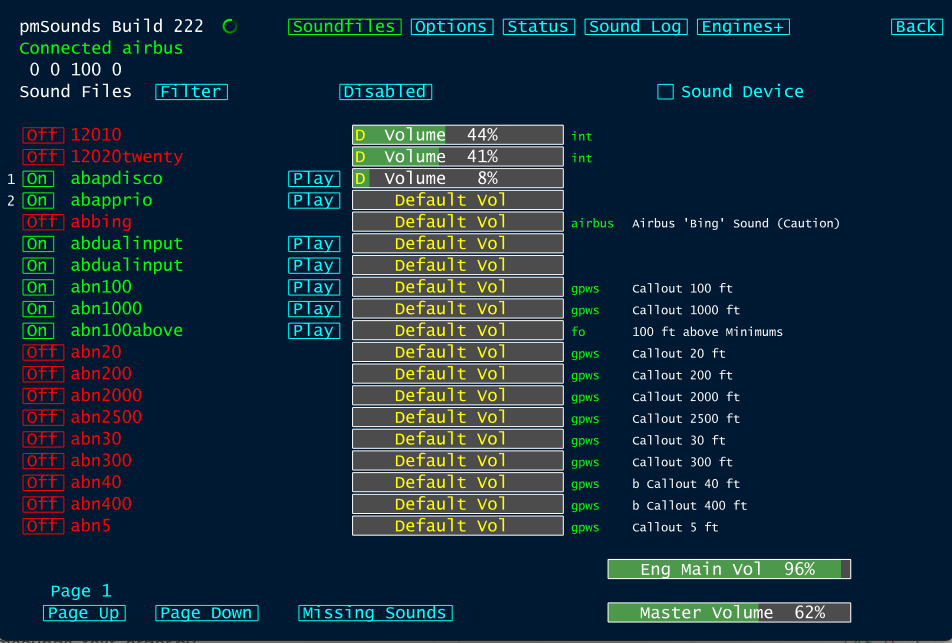
- GPWS Warnings, Announcements, Callouts
- Sound Effects (Wing, Flaps, Gear, Random Sounds)
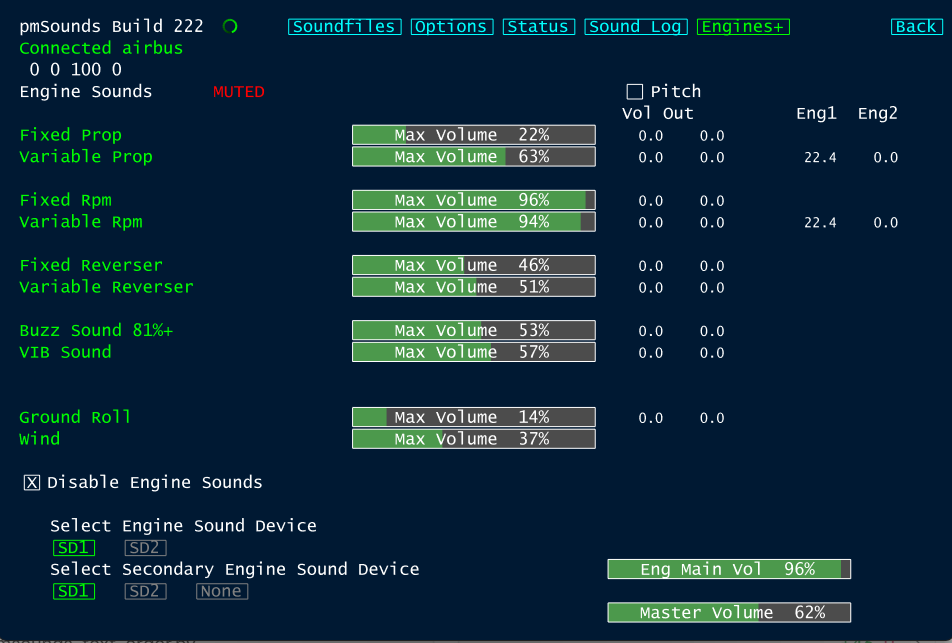
- Engine Sounds
- Waypoint Switching, Altitude alerts (in connection with PM FMS software)
- Sounds can be selectively disabled at any time
- A good number of sounds is by Wilco Van Deijl, with his permission of course
Please note:
- To install pmSounds simply run the Setup program and follow the steps you see on the screen, the program will create its own folder and a subfolder containing the sound files
- pmSounds might not run with some sound cards when used on the same PC as the simulator
- pmSounds should not be installed inside the simulator’s folders; it runs independently, on the simulator PC or on a networked one
- pmSounds requires FSUIPC or pmWideClient
- pmSounds is only available to Project Magenta customers