
Fly the simulator. Your own iPad or iPhone shows where you are.
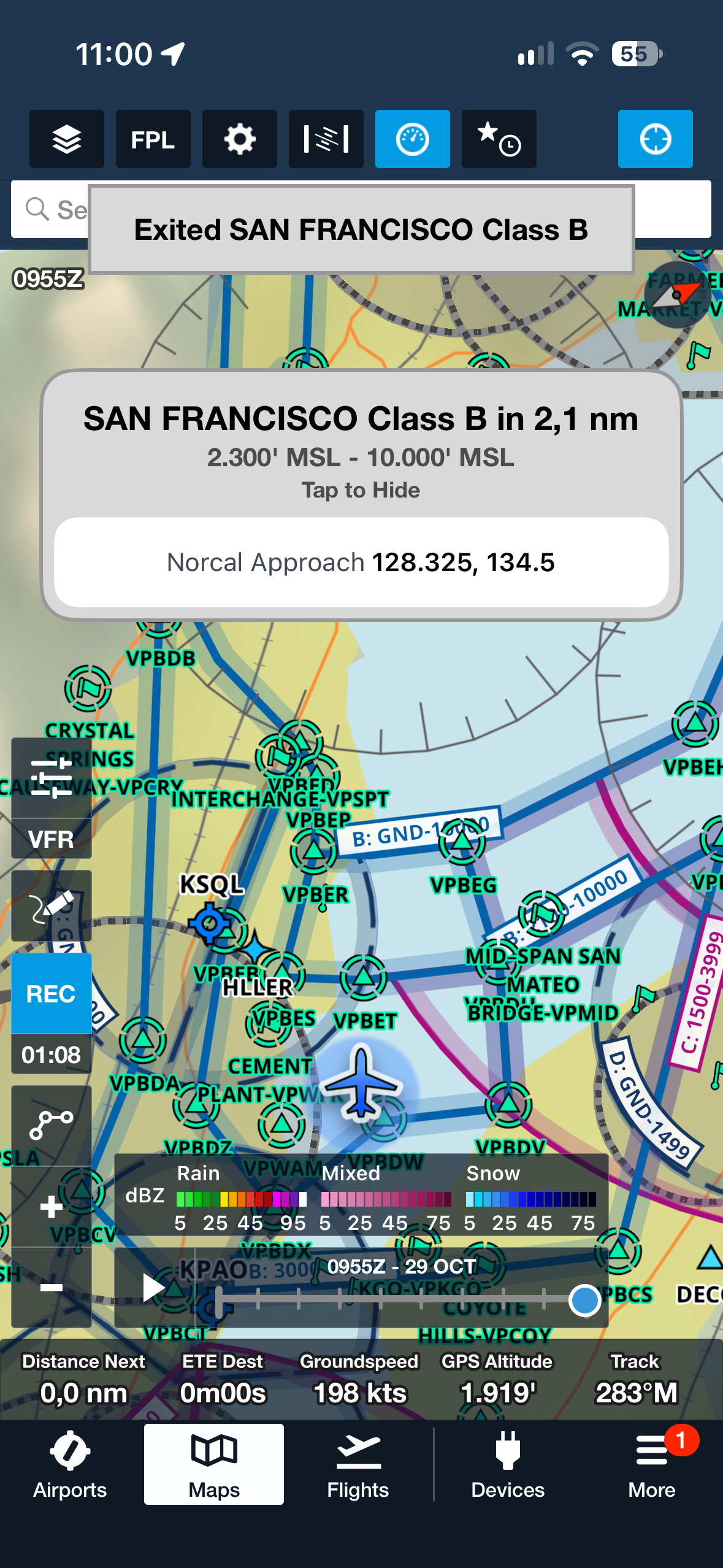
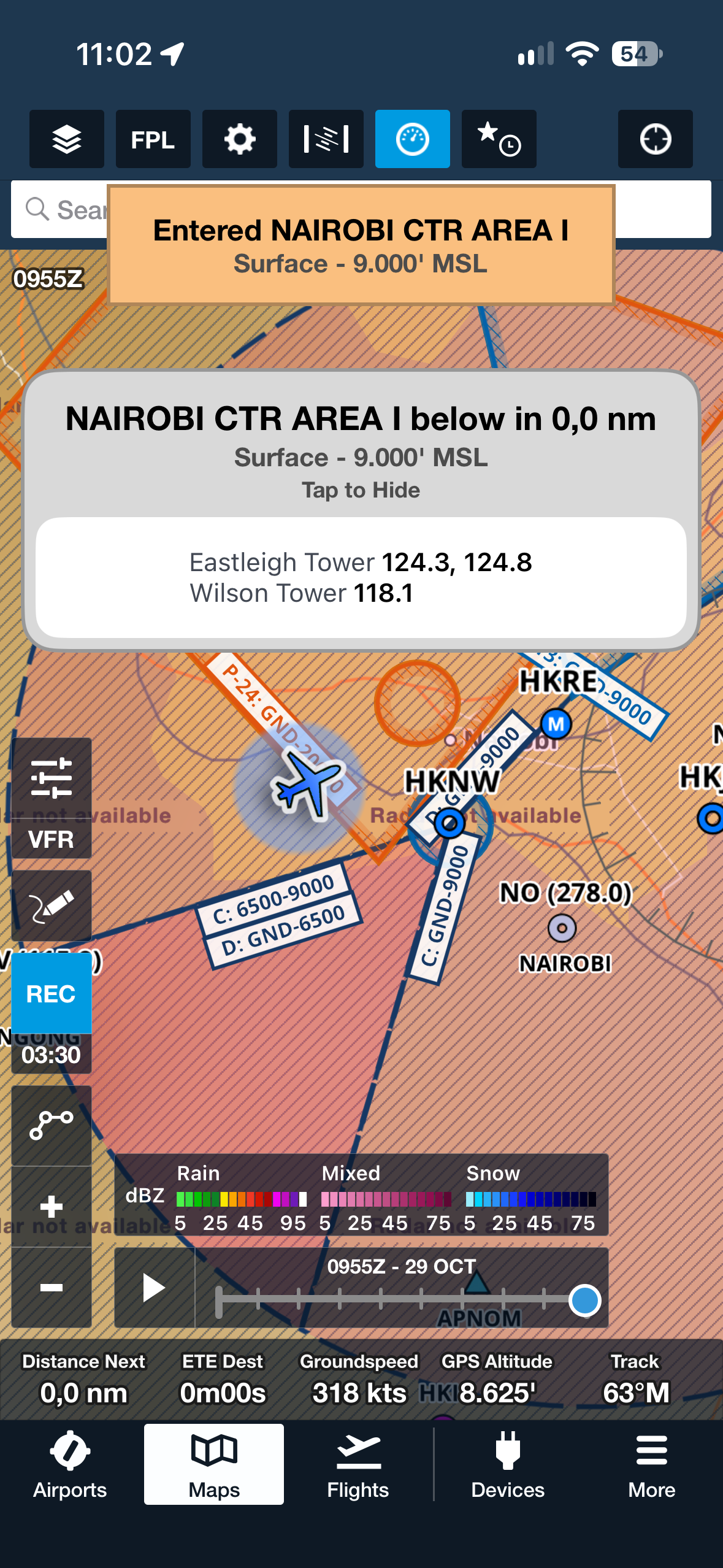
The Project Magenta Instructor Station (pmInst) sends the simulated aircraft to ForeFlight. Position, altitude, groundspeed and track, live. ForeFlight shows it on the moving map and the plates, and gives its airspace alerts, the same as in the real aircraft.
Nothing to install on the iPad.
How it connects
- pmInst reads the simulator. It sends the position over the network to the iPad or iPhone.
- The device must be on the same network as the pmInst PC.
- Turn it on in pmInst.ini, section [Other]:
ForeFlight=On - Device on another network or subnet? Put its IP address instead:
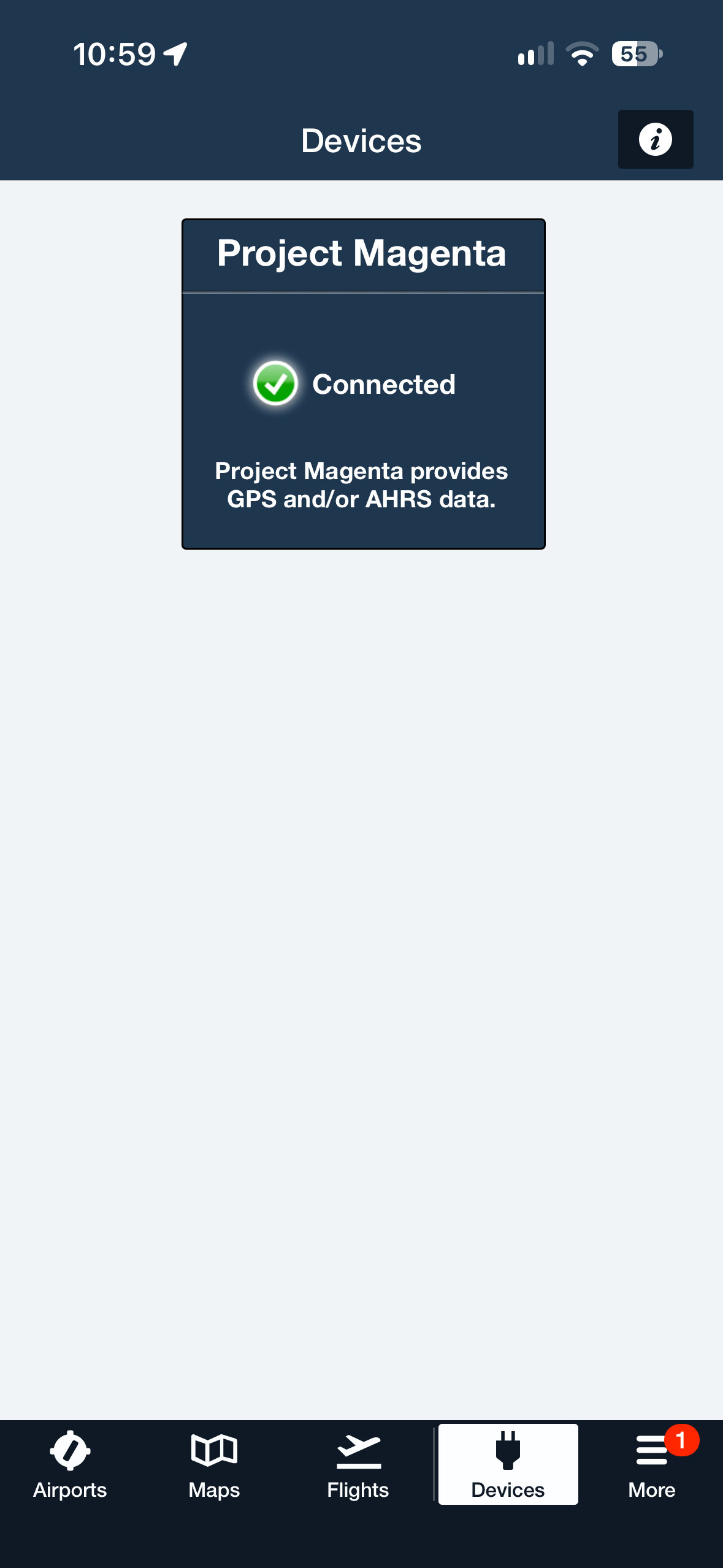
ForeFlight=192.168.1.50 - In ForeFlight, open Devices. “Project Magenta – Connected” appears.
Get it
- pmInst: the current build, from Your Downloads or Check for updates in pmConfigure.
- ForeFlight: free to try for 30 days.
Coming: pmBrain will send the ForeFlight signal too, when it is released.